
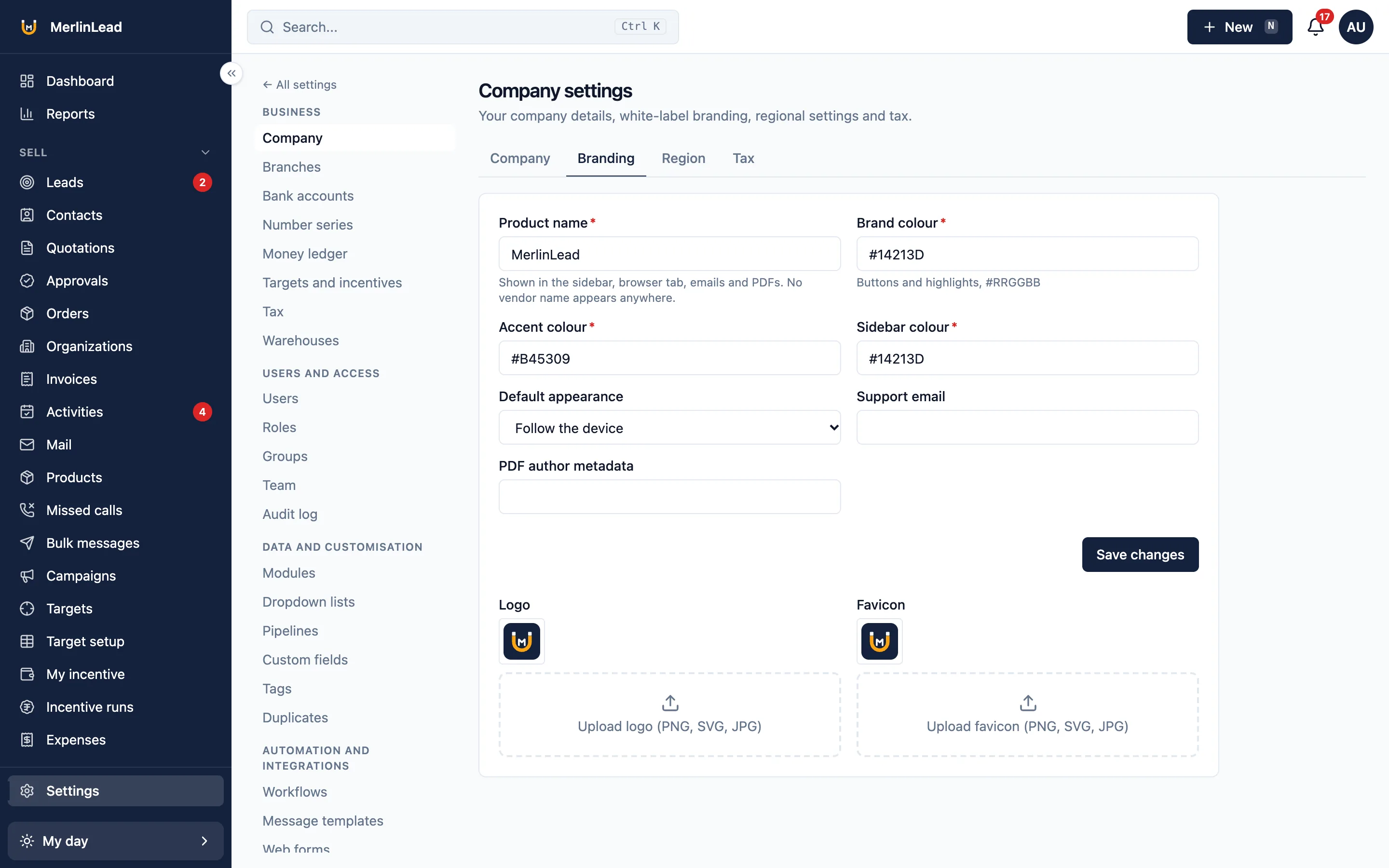
White label CRM with your own name
MerlinLead is white label CRM software and white label lead management software. Put your own name and logo on it.
Put your own name and logo on it
Set the product name, logo and colours your team and customers see. Our name does not show anywhere.
- Your product name on every screen
- Your logo and a small browser icon
- Your main, accent and sidebar colours, and dark mode
- Your support email
- Your name as author on printed documents
- No vendor name inside the product
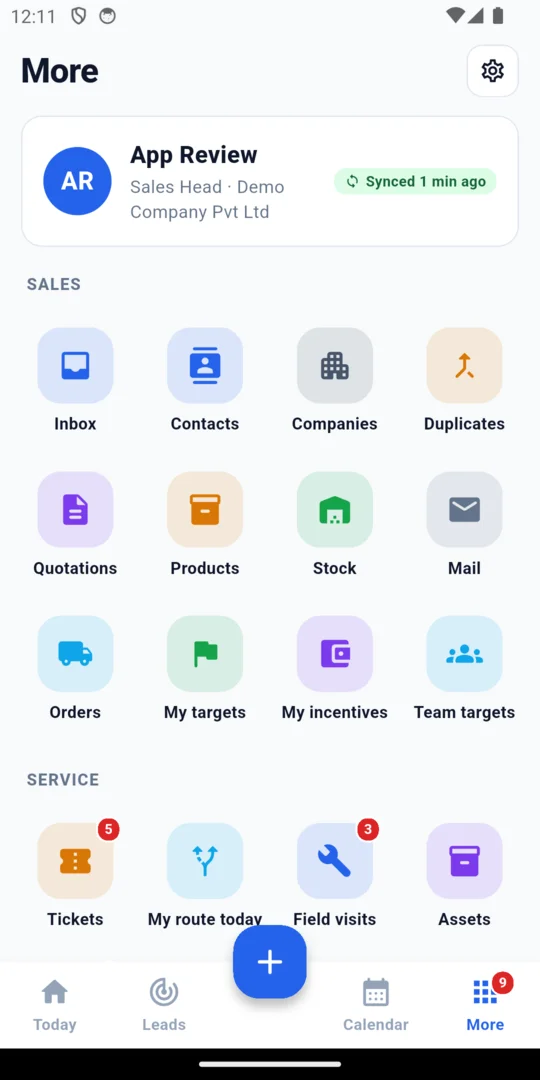
Switch on only what you need
Turn parts of the CRM on or off for each company in Settings. People then see only the work they do.
- Each company has its own on and off switches
- A new company starts with nearly everything on
- Payment collection stays off until you turn it on
- Customers, leads, follow-ups, products, quotations, orders, invoices, items sold, service visits, contracts, support tickets, partners and reports
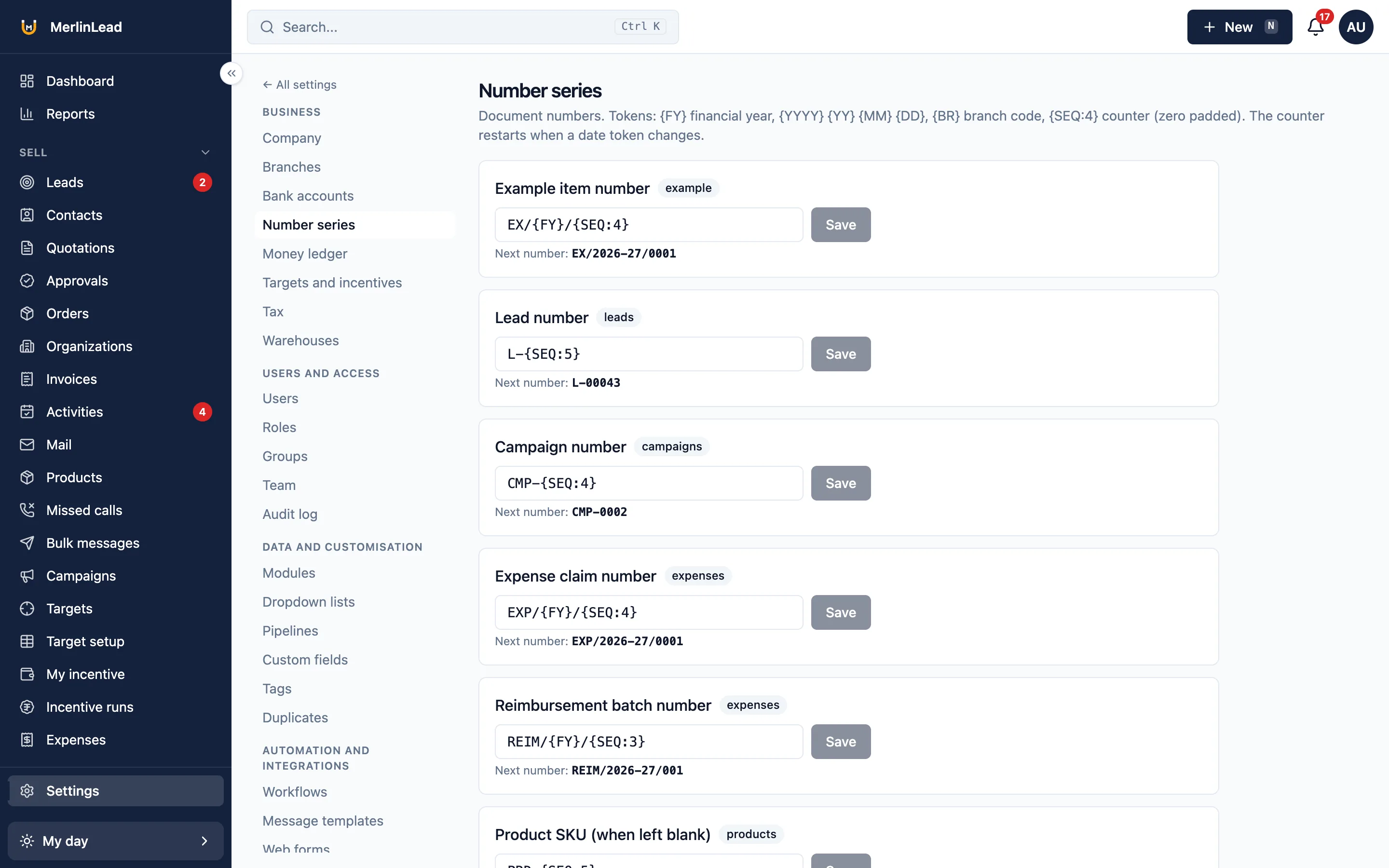
Quotations and invoices in your style
Set your own terms and numbers. Your customer gets the paper in their own language.
- Quotation templates and terms you write once
- Invoice print layout set in Settings
- Numbered receipts for payments, once you turn payment collection on
- Numbers that follow your financial year, like QT/2026-27/0001
- Your bank details on documents
- Quotations and receipts printed in English or Hindi
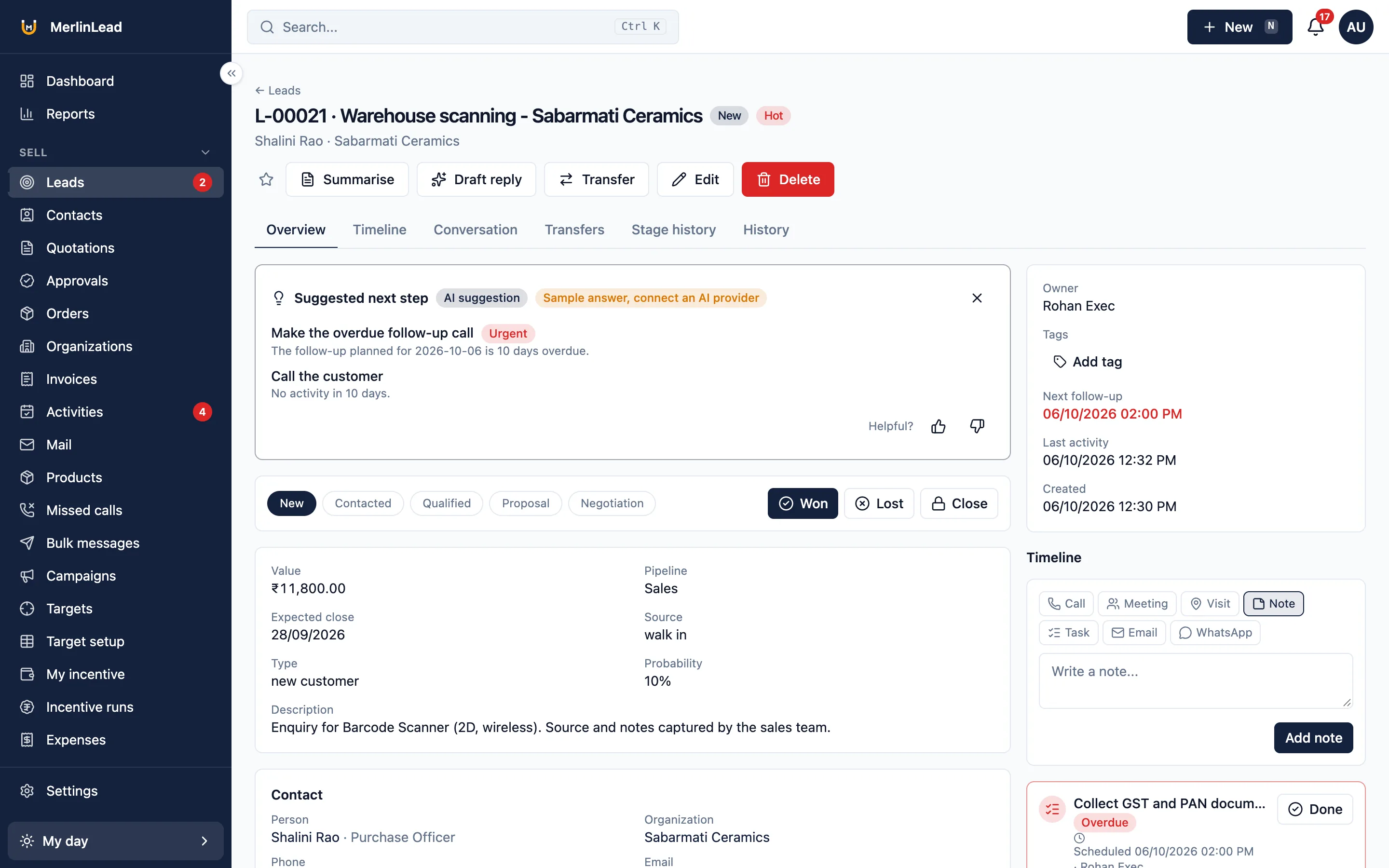
Keep the details you care about
Add your own boxes and lists to the customer list and the lead list.
- Your own fields in 15 types on any record
- Pick lists you can edit
- Coloured tags on any record, and a tag filter on every list
- Saved lists you can share with your team
- Amounts shown in lakh and crore, or the international way
Decide who can see what
Give each person the access they need and no more.
- Roles with simple tick boxes
- Four choices for who can see which records: own, group, branch or all
- The choice applies to lists, exports and reports
- A quote below the minimum price waits for approval
- Nobody can approve their own request
- Read-only users see no add, edit or delete buttons
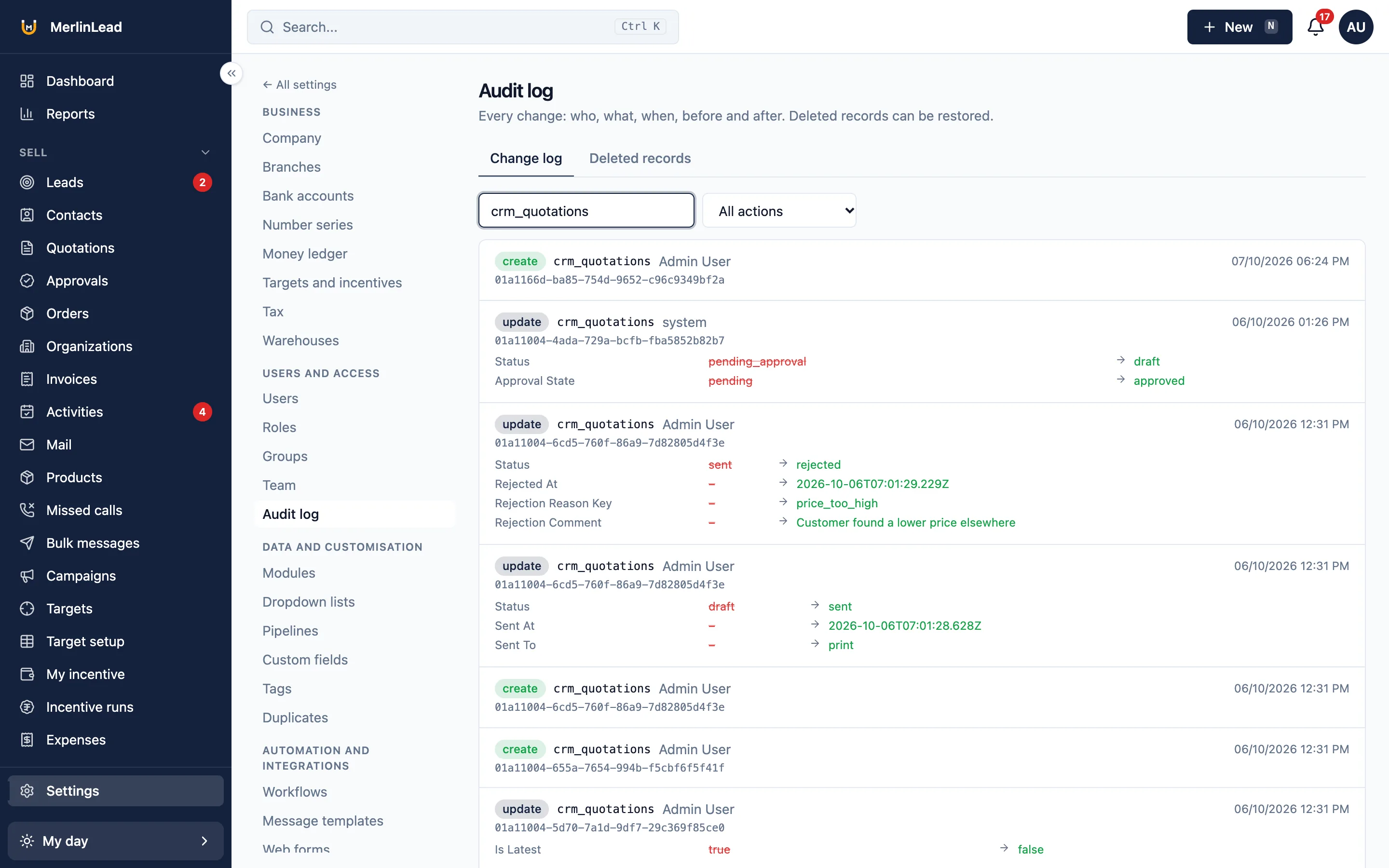
- A change history shows who changed what
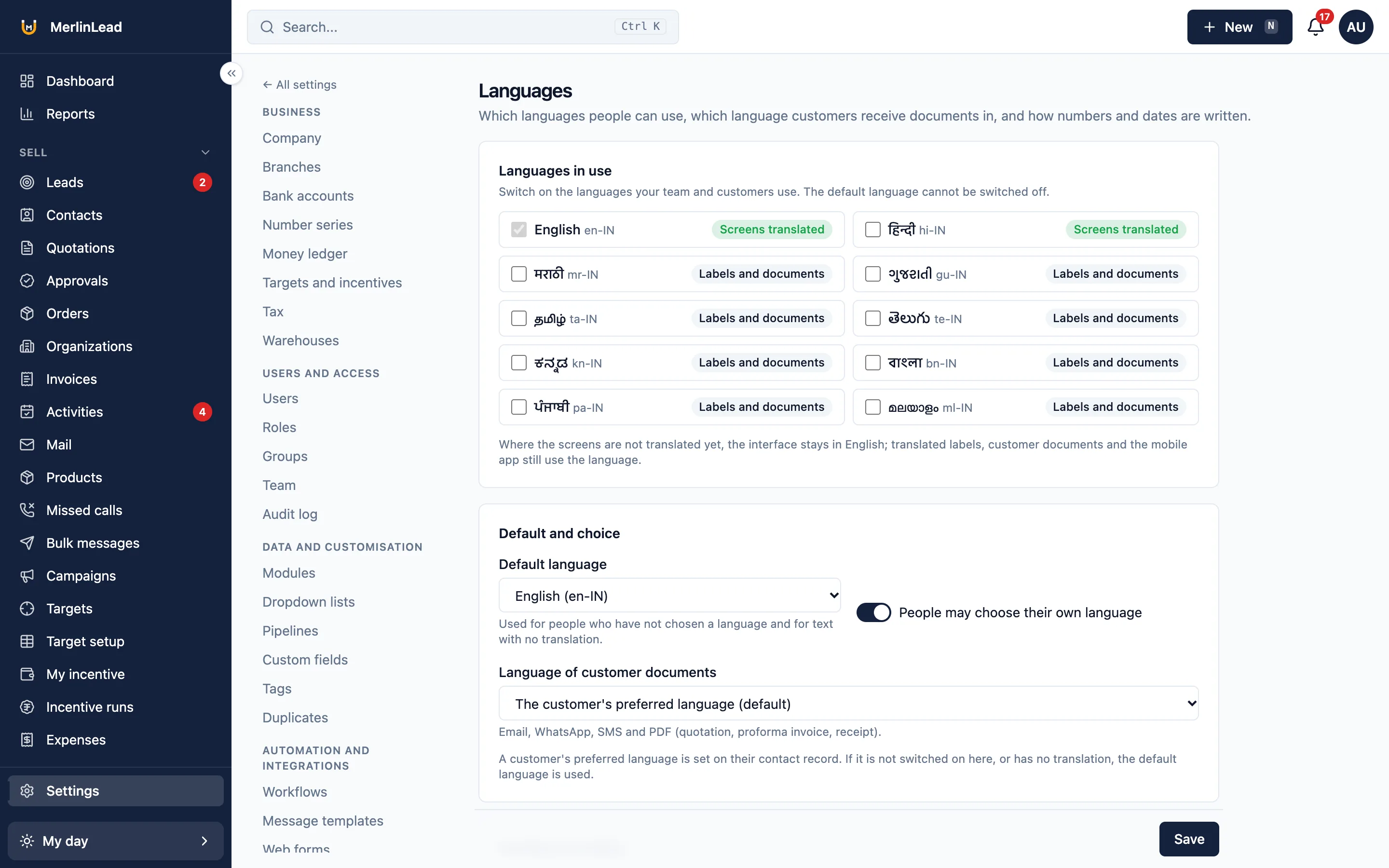
Use it in English or Hindi
Screens work in English and Hindi, on the web and on the phone. Each person picks their own.
- A language for each person
- A default language for the company
- Edit labels and message templates for each language
- Quotations and receipts printed in your customer's language
- Messages go out in the language of the person who gets them
Connect other software with your own accounts
Add your own account details and MerlinLead uses them. Nothing goes out through our accounts.
- Email goes out through your own email account, once you add its details
- WhatsApp works through your own WhatsApp Business account
- SMS works through your own SMS account
- App notifications work through your own account
- IndiaMART and TradeIndia enquiries come in when you add your account details
- JustDial enquiries come in from the emails you forward
- Meetings can show on your Google or Microsoft calendar once you connect it
- Online payments work through your own payment account, once you turn payment collection on
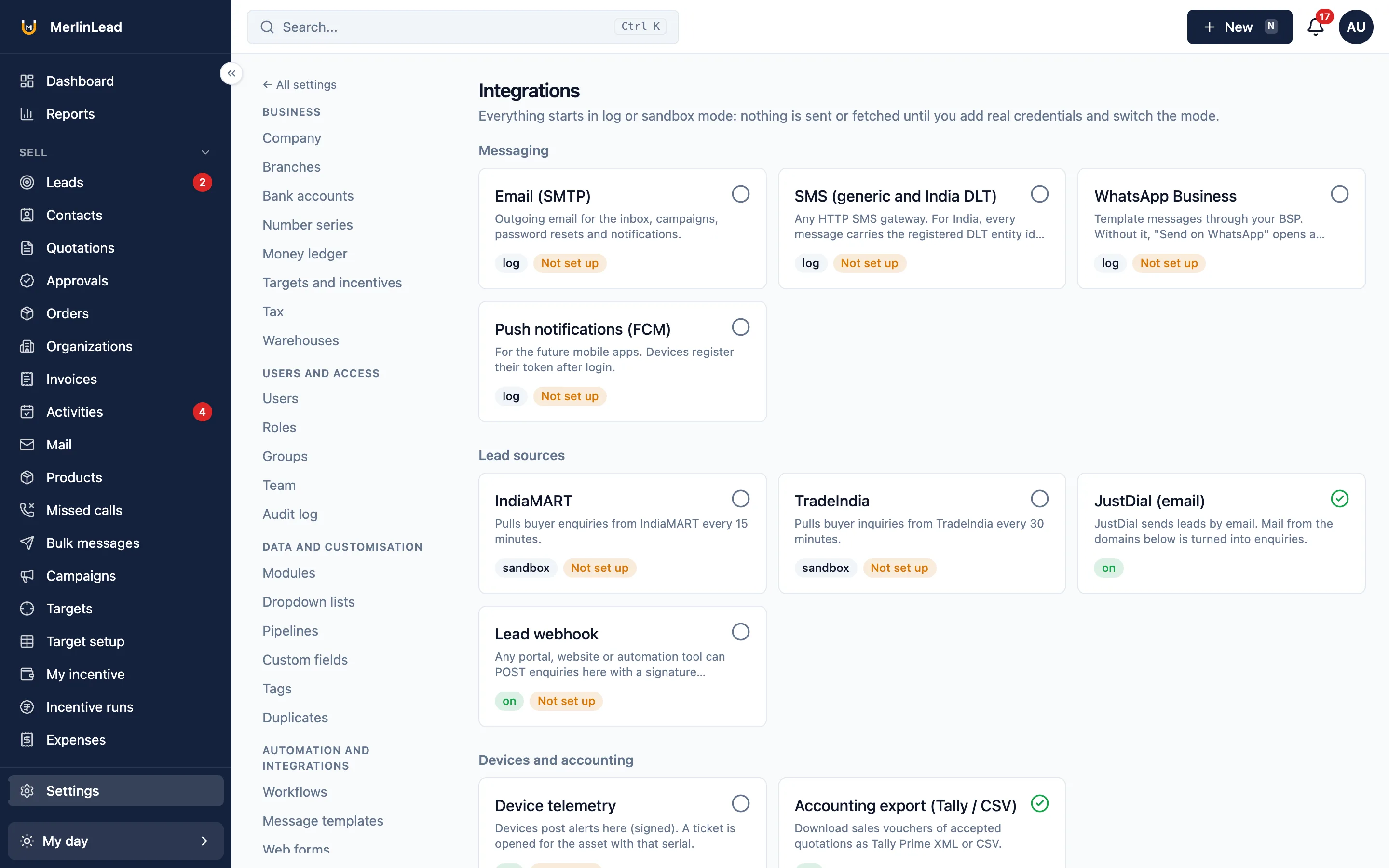
Lead websites, email, SMS and WhatsApp work once you add your own account details in Settings. Until then they send nothing.
What white label does not include
We would rather you know now.
- Ready-made setups for particular trades. Only a neutral demo setup comes with it.
- Screens in languages other than English and Hindi.
- Moving your data over from another CRM for you.
- Single sign-in, or links to tools not named on this site.
- Direct posting into Tally. You get a file to import yourself.
Already have an account?
Sign in to MerlinLead at app.merlinlead.com.