
White label CRM for India, with GST and Hindi
White label lead management software with GST bills and IndiaMART, TradeIndia and JustDial enquiries. Use it in Hindi on the web and the phone.
GST worked out for you
Quotation with GST, line by line. The total is worked out for you and cannot be changed by mistake.
| Component | When it applies |
|---|---|
| CGST and SGST | The sale is inside the state. |
| IGST | The sale is outside the state. |
| UTGST | Supported as a GST component. |
| GSTIN check | A GSTIN is checked when it is entered. |
| HSN and SAC codes | Saved on each product and shown on the document. |
| Number series | Numbers follow the financial year, for example QT/2026-27/0001. |
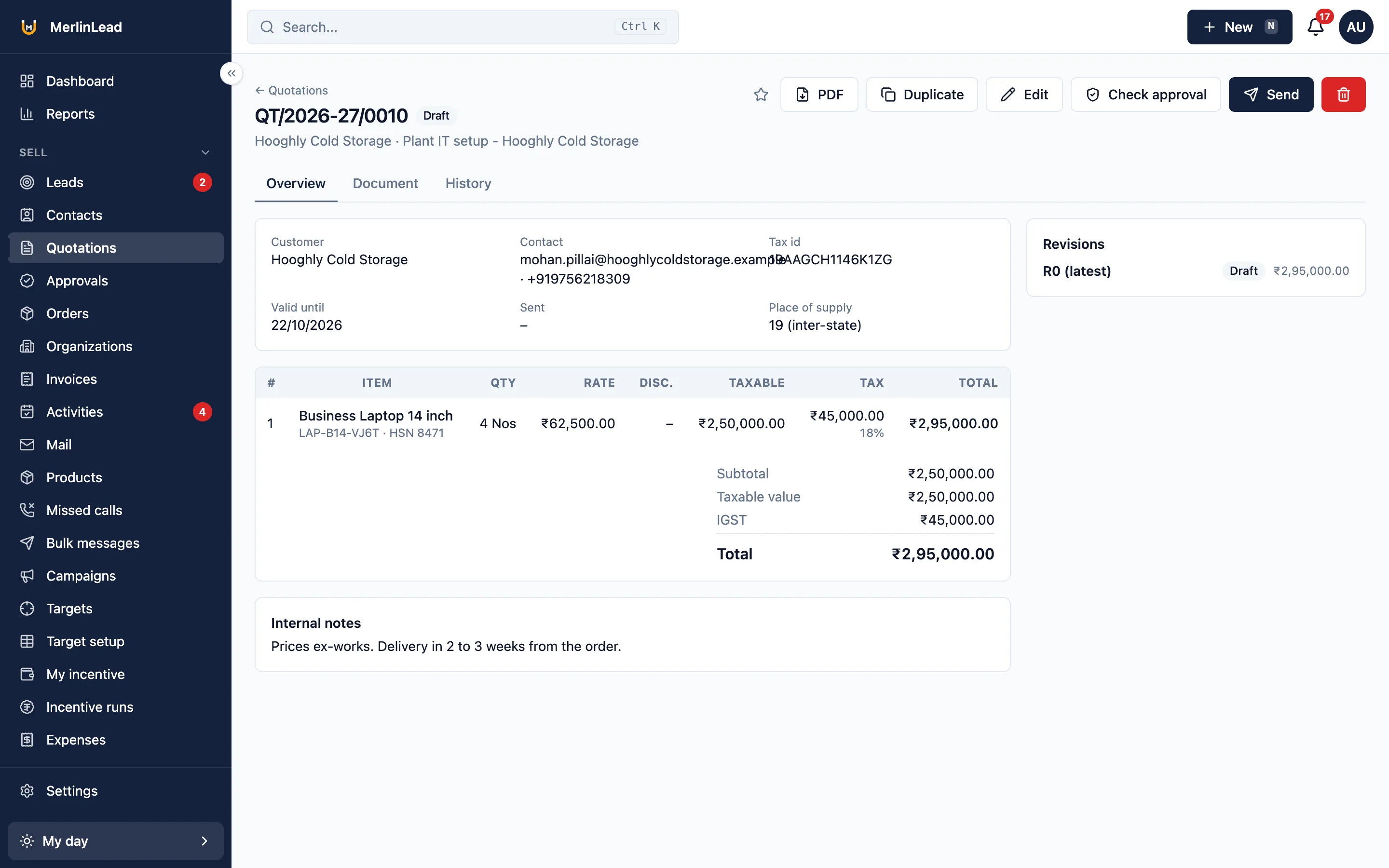
GST billing: quotations, proforma and tax invoices
The papers your customers expect, numbered and taxed for you.
Quotations
Keep revisions, use templates and terms, make a PDF, and show your bank accounts.
Proforma
Print a proforma from a sales order. Send goods in parts, with serial numbers.
Tax invoices
Make a numbered tax invoice from a quotation or an order, or type one in. Set the next number. Choose what prints in Settings.
MerlinLead works out GST on quotations, orders and invoices. It does not file GST returns. It does not do e-invoicing or make e-way bills.
Collect payments and give receipts
This part is off until you turn it on in Settings > Modules.
- Record cash, cheque, UPI, bank transfer and card payments.
- Show a UPI QR code, or send a payment link.
- Check each payment and give a numbered receipt.
- See what is outstanding, with ageing.
- Close the day with a cash handover.
- Connect to Razorpay or Cashfree for payment links when you add your account.
Razorpay and Cashfree work once you add your own account details. Until then nothing is charged.
Selling outside India too
Each company picks its tax type in Settings.
Simple tax
Several tax rates, for places that do not use GST.
VAT
VAT worked out for you in the same way.
No tax
Leave tax off when it does not apply.
Enquiries from IndiaMART, TradeIndia and JustDial
Enquiries from lead websites come in as leads, ready for follow-up. All under your own name.
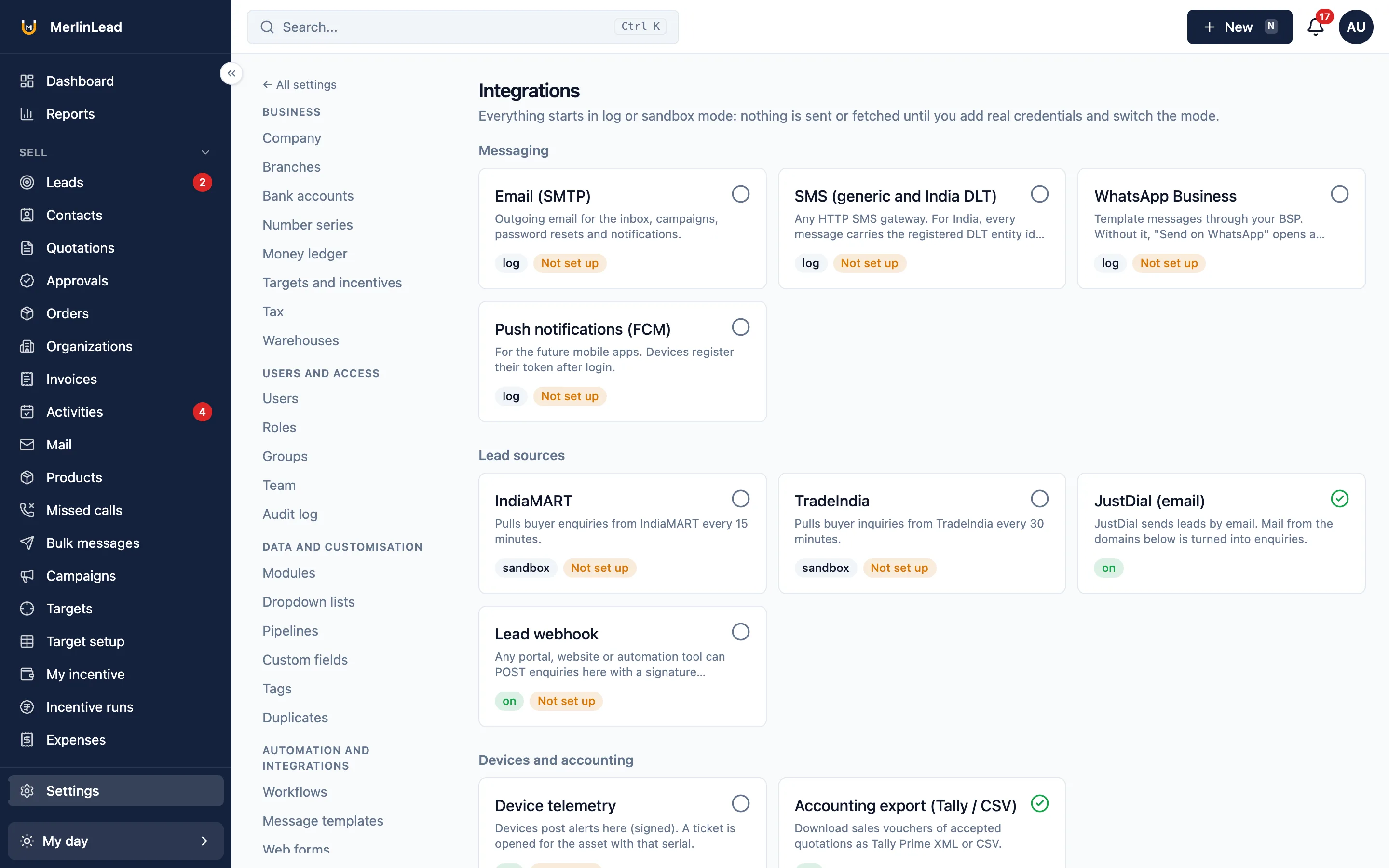
- Bring in IndiaMART and TradeIndia leads once you add your account details.
- Forward JustDial emails to MerlinLead and they become enquiries.
- Share new enquiries between your team by turns, by city or product.
- Keep after-hours enquiries in a morning list, once you set your working hours.
- Take enquiries from any other lead website through a secure link.
- Put an enquiry form on your own website. It adds the person and the lead.
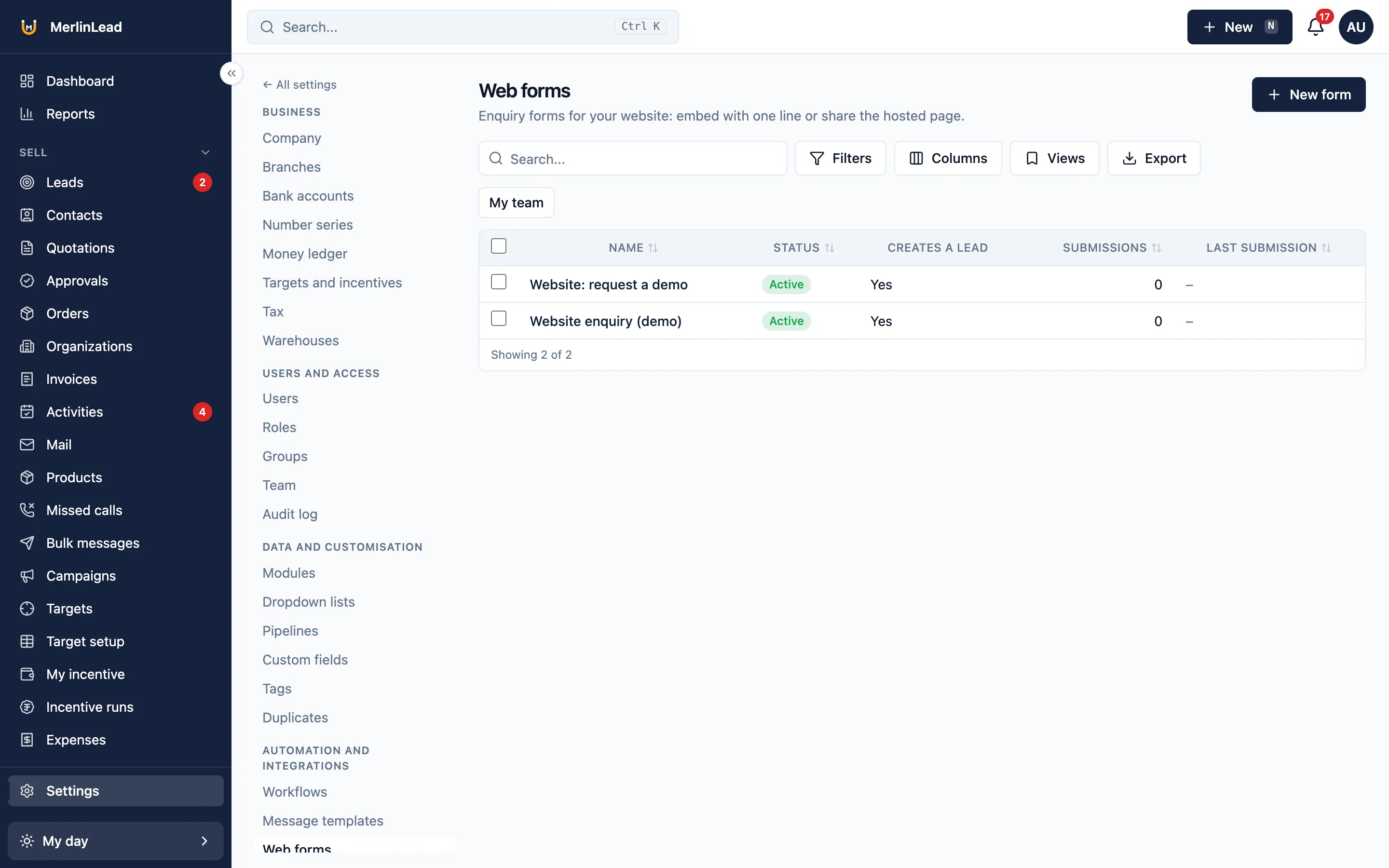
IndiaMART and TradeIndia work once you add your own account details in Settings. Until then they bring in nothing.
SMS and WhatsApp messages
Send SMS and WhatsApp messages from ready-made templates, in the customer's language.
- SMS through MSG91, Gupshup, Textlocal, Twilio or another SMS company, once you add your account.
- India requires a sender ID and template approval for SMS. MerlinLead asks for them and keeps a daily limit.
- WhatsApp Business messages through Meta or a WhatsApp partner, once you add your account.
- Templates, two-way chat, opt-in and opt-out, and business hours.
- Send to a saved list of customers. People who opt out are left out.
SMS and WhatsApp work once you add your own account details and sender ID. Until then they send nothing.
Hindi CRM on the web and on the phone
Every web screen and the mobile CRM app work in English and Hindi. Each person picks a language.
- Quotation, proforma and receipt PDFs print in English or Hindi.
- Alerts, emails, SMS and WhatsApp messages follow the customer's language.
- Show numbers in lakh and crore or the international way. Set the date format.
- Edit labels and email templates for each language.
- Help guides are in English. The user guide is also in Hindi.
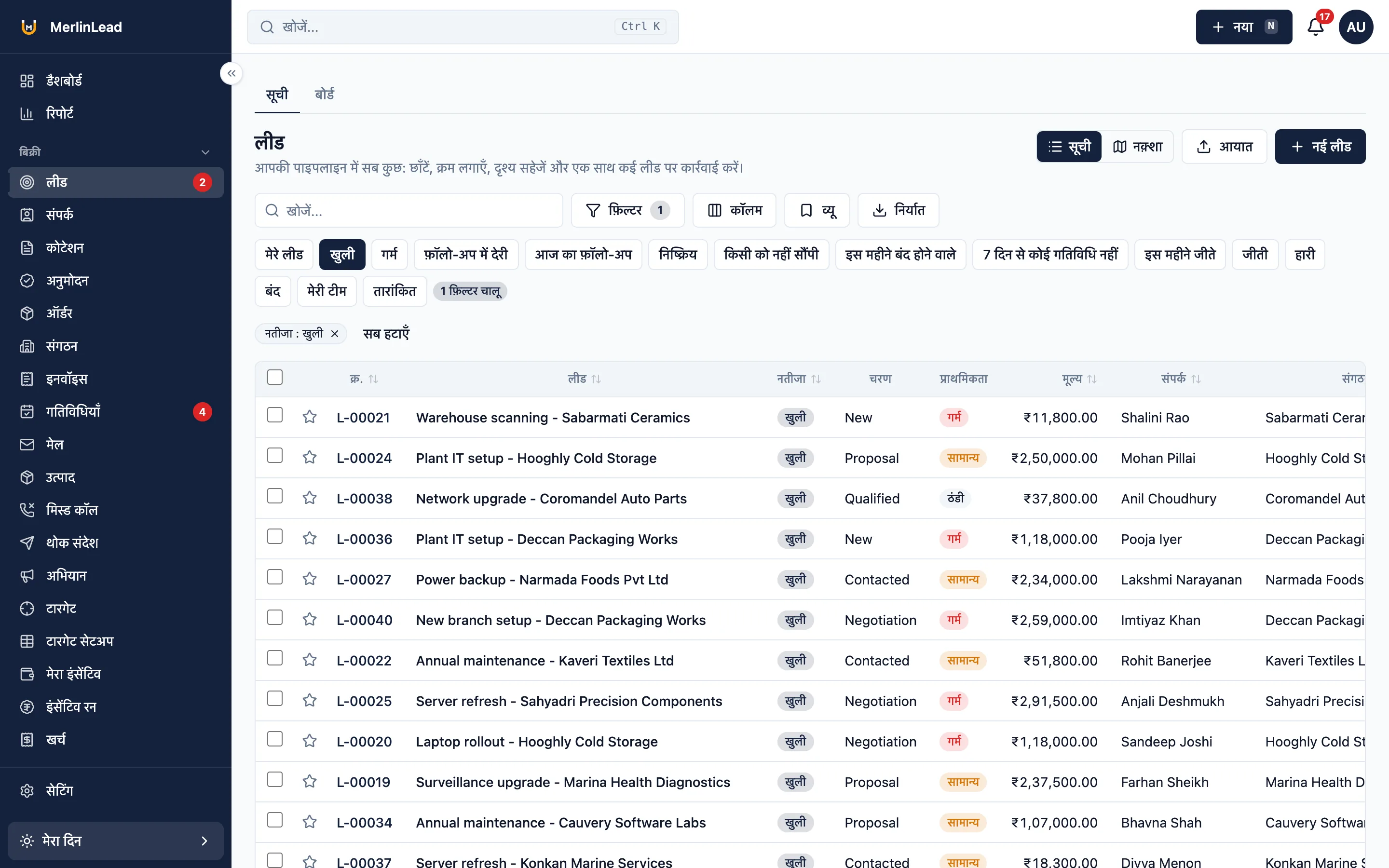
A file for your accountant
Get sales, purchase, receipt and payment entries as a Tally Prime file, or as CSV.
Your accountant imports the file. MerlinLead does not connect to Tally directly.
Already have an account?
Sign in to MerlinLead at app.merlinlead.com.