
Who sees which customers, and who changed what
Data safety for white label CRM and lead management software: roles, approvals, a change history and undo.
Safe sign-in
Nobody gets any data without signing in first.
- Stay signed in safely, without typing your password again and again.
- Turn on a one-time code from an app on your phone.
- Reset a forgotten password.
- See every phone and computer signed in, and sign each one out.
- On the phone, unlock with a fingerprint or Face ID. The company can make this a rule.
- The company can block screenshots in the mobile app.
Decide who sees which customers
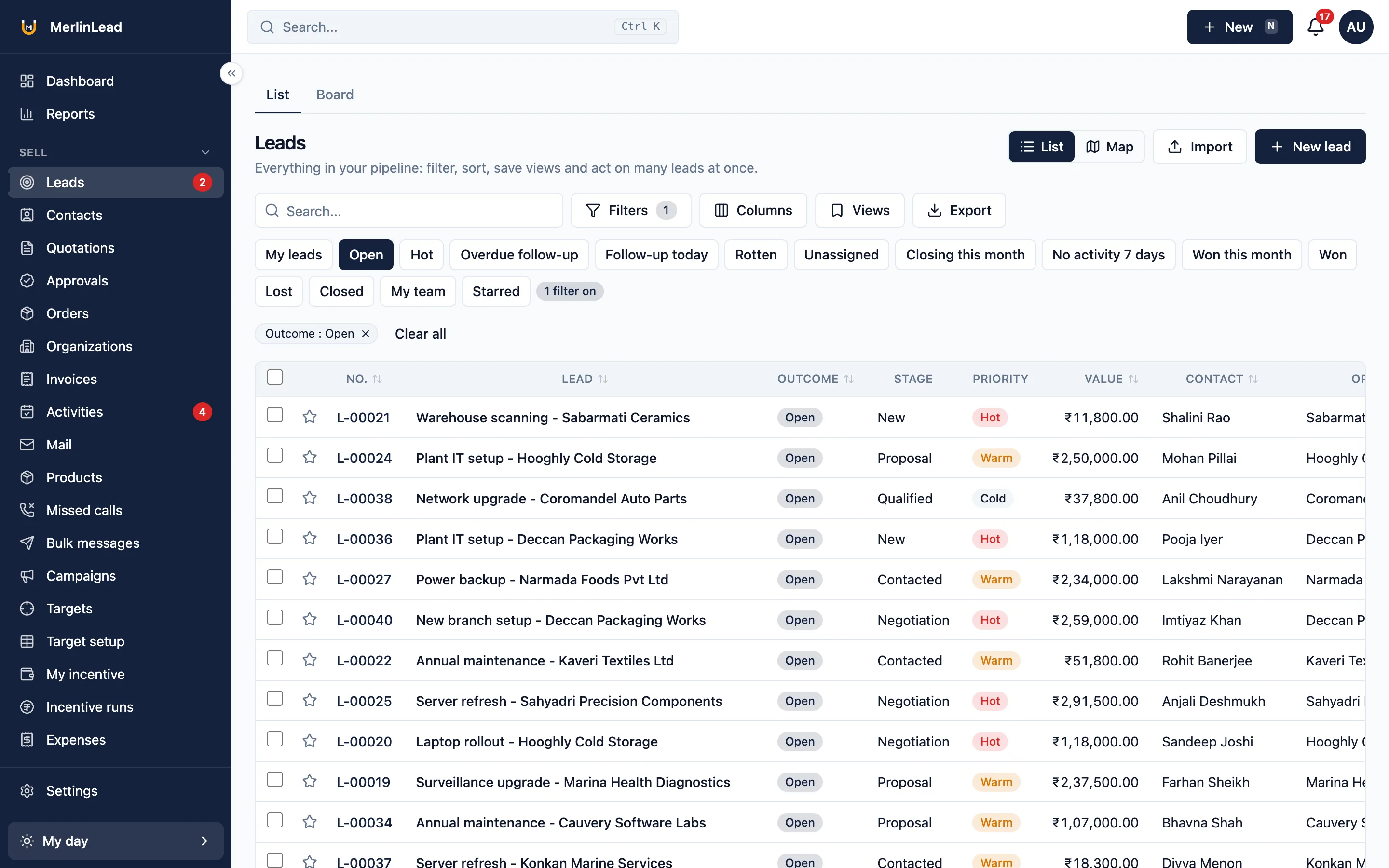
Give each person a role. Tick what they may do, then choose which records they can see.
| Who can see which records | What the person sees |
|---|---|
| Own | Only their own records |
| Group | Records of their group |
| Branch | Records of their branch |
| All | Every record in the company |
The choice applies to lists, exports and reports.
- A read-only person cannot change anything.
- A person who sees only their own records cannot open anyone else's.
- Read-only people see no add, edit or delete buttons in the app.
- Nobody can approve their own request.
Ask a manager before it goes out
Some things wait for an approver. The request shows up in an approvals inbox.
- A quotation below the minimum set for a product.
- A discount above the limit for that role.
- A sales order above a set amount.
- An expense claim, with one or two levels of approval.
- An incentive payout run.
Undo a mistake within 30 seconds
Every change is written down. Most mistakes can be taken back.
- The audit log shows who changed what, with the old and new value. It cannot be edited.
- Undo most changes within 30 seconds.
- An administrator can bring back deleted records.
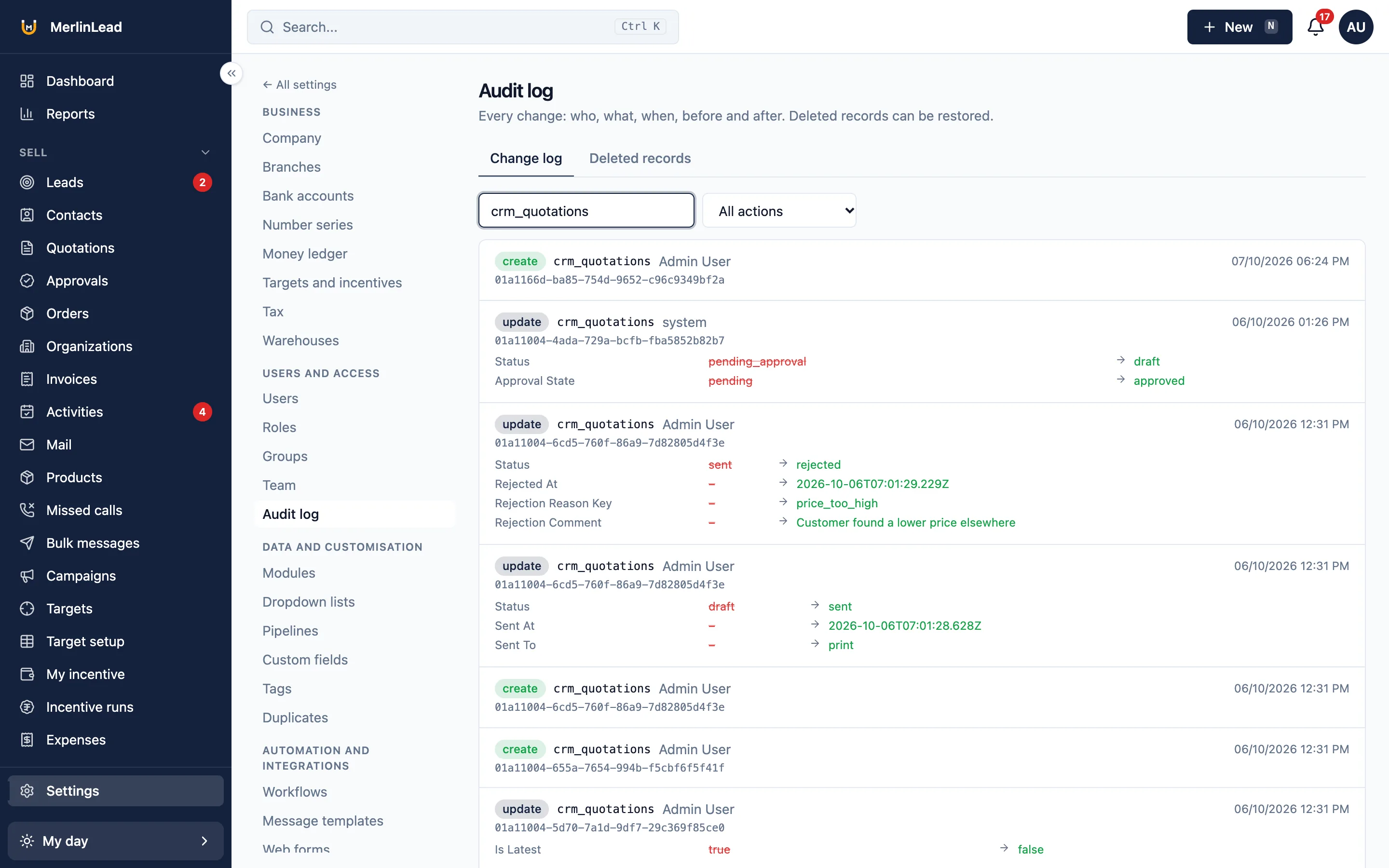
Undoing a lead brings back the lead row only. A contact merge cannot be undone.
Consent and privacy
People are told what is collected, and their consent is kept.
- Consent records and a privacy notice for location, calls and messages.
- Location is noted only during a shift the person has started, with consent. A notice stays visible on the phone.
- The location setting is off until the company turns it on.
- People who opt out of messages are left out of bulk sends.
- A setting to delete old messages on a schedule. It is off until you turn it on.
Set it up your way
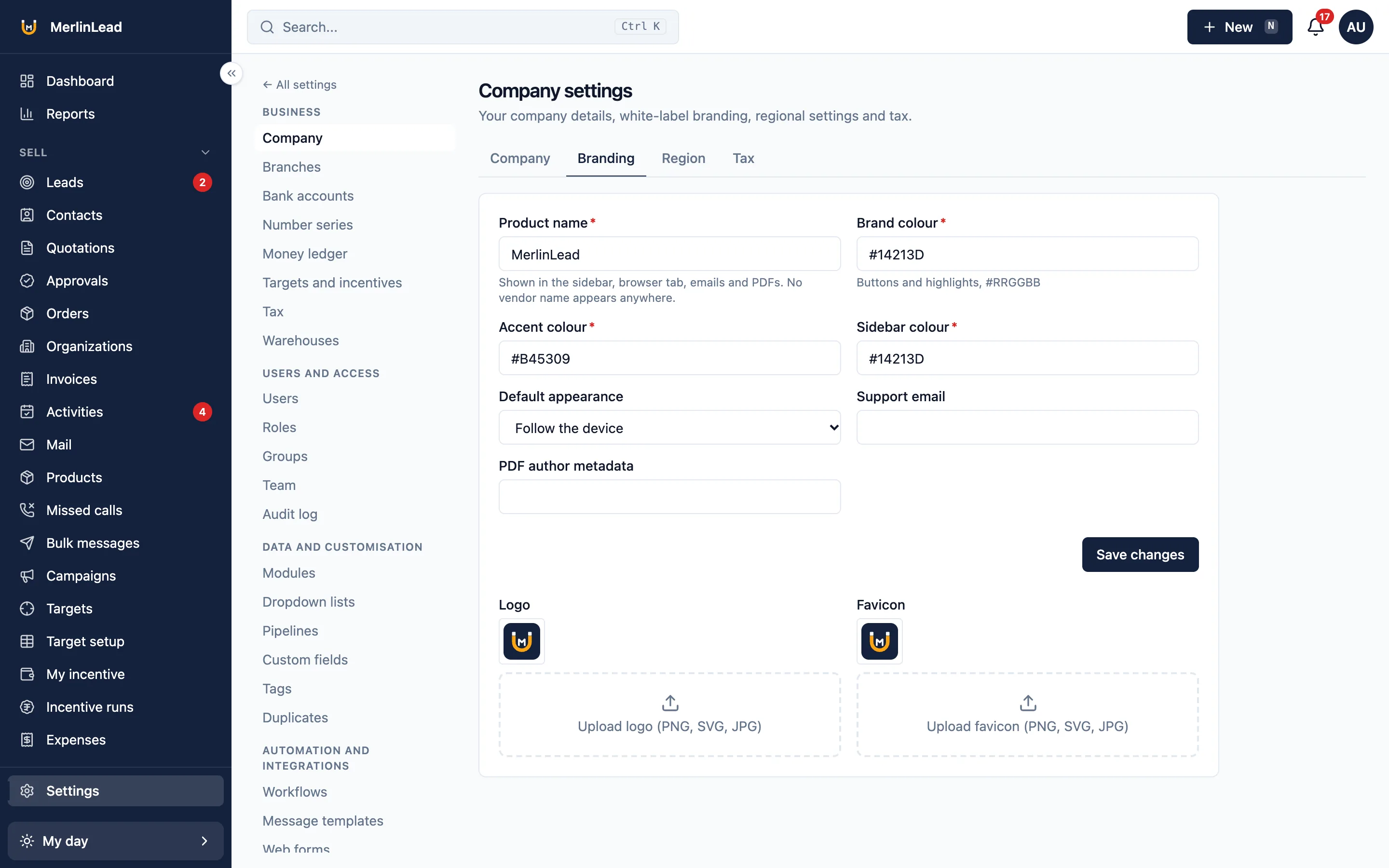
A white label CRM carries your name, not ours. Each company decides what is on and how it looks.
- Turn parts on or off in Settings > Modules.
- Use your company name, logo and colours. No vendor name shows in the product.
- Add your own fields, in 15 types, and edit the drop-down lists.
- Numbers follow the financial year.
- Save and share filtered lists.
- Import from CSV, XLS or XLSX. Export any list to CSV or Excel.
- English and Hindi, chosen by each user.
Protection for forms and links anyone can open
Public forms and links are limited and checked.
Enquiry forms
- Limits on repeated requests.
- A simple spam check, a hidden trap field and a list of allowed websites.
- Referral sign-up with a spam check and a phone code. An admin approves each one.
Secure links
- Messages sent to other software carry a secret signature. Failed ones are tried again, and each try is logged.
- Incoming email and device alerts are checked the same way.
- Email campaigns have an unsubscribe link and a list of people not to email.
The built-in spam check is a simple question. A stronger check from Cloudflare works once you add your own account details.
Backups and your own copy
The backup method was checked by restoring a copy into an empty database. Nothing was missing.
- A full, encrypted copy of your data can be taken.
- That copy can be restored into an empty database.
- Export any list to CSV or Excel at any time.
- Accounting entries as a Tally Prime file or CSV.
What is not included
So nothing here is a surprise later.
There are no separate web addresses for each company. It does not file GST returns or connect to Tally directly. It does not record calls. Screens are in English and Hindi only. Messages, app notifications and lead websites send nothing until you add your own account details.
Already have an account?
Sign in to MerlinLead at app.merlinlead.com.